
Google Business Profile Optimization: The Complete 2026 Guide for Hawaii Businesses
Learn how to fully optimize your Google Business Profile to rank higher in local searches and Google Maps. Step-by-step guide for Hawaii businesses.

Rodrigo Diniz
AEO Strategy Lead & GEO Specialist

You know how frustrating it is when a potential customer calls the wrong number or drives to your old location because of bad data online? We see it happen constantly in Honolulu. Tourists get lost looking for a poke shop in Waikiki, or locals give up on a contractor because their phone number doesn’t work.
At Nekko Digital, we have spent over a decade helping Hawaii businesses claim and optimize their Google Business Profiles. In this guide, we break down every step you need to take to maximize your local search presence in 2026.
Why Google Business Profile Matters for Hawaii Businesses
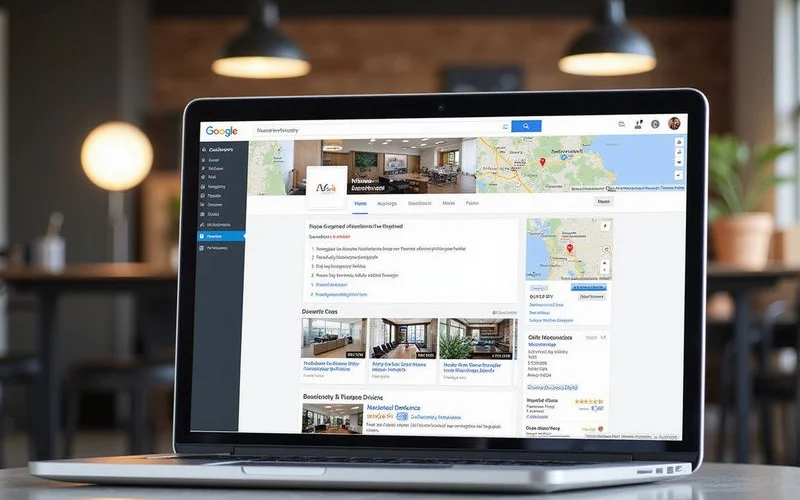
Google processes over 8.5 billion searches per day, and nearly half of all searches have local intent. For businesses in Honolulu, Kailua, Pearl City, and across Oahu, this means your Google Business Profile (GBP) is often the first impression a customer has of your brand.
A fully optimized GBP listing can deliver the following benefits:
- Higher visibility in the local 3-Pack and Google Maps results
- Increased phone calls directly from the search results page
- More website visits through the profile link
- Greater trust through reviews, photos, and verified information
- Competitive advantage over businesses with incomplete or outdated profiles
Data from 2025 shows that 86% of views on Maps come from “discovery searches” (e.g., “best shave ice near me”) rather than people searching for your business name directly. If your profile isn’t optimized, you aren’t just missing clicks; you are invisible to the majority of potential customers who haven’t met you yet.
Step 1: Claim and Verify Your Profile
If you have not already claimed your Google Business Profile, that is your first priority. Visit the Google Business Profile Manager and search for your business. If the listing exists, claim it. If not, create a new one.
The New Standard: Video Verification
Video verification is now the default method for most Hawaii businesses in 2026. Google has moved away from postcards because they are too easy to fake. You will likely be asked to record a continuous, unedited video to prove your business is real.
What your video must show:
- Location: Start outside. Show the street sign and your building number.
- Access: Walk up to the door and unlock it with a key. This proves you aren’t just a customer.
- Proof of Management: Walk behind the counter. Show your Point of Sale (POS) system, a stamped business license, or utility bill with the business name on it.
Pro Tip: Do not speak or show your face in the video if you can avoid it. Google’s AI reviews these videos primarily for visual markers of location and business legitimacy.
For businesses with multiple locations across Oahu, you need to create and verify a separate profile for each physical location. A business in Waikiki and another in Kapolei should each have their own optimized listing.
Step 2: Complete Every Section of Your Profile
Google rewards completeness. Fill in every available field:
- Business name: Use your exact legal business name. Do not stuff keywords like “Best Plumber Honolulu” unless that is your legal name.
- Category: This is your #1 ranking factor. Choose the specific “Primary Category” that describes what you are (e.g., “Pizza Restaurant”), not just what you have (e.g., “Pizza Delivery”).
- Address: Ensure your address matches exactly across your website, directories, and citations.
- Phone number: Use a local Hawaii phone number (808 area code) as your primary number.
- Website URL: Link to your homepage or a dedicated landing page.
- Hours of operation: Keep these accurate and update them for holidays.
- Business description: Write a compelling 750-character description that includes your core services and location.
- Services and products: Add every service you offer with descriptions and pricing where applicable.
- Attributes: Select all relevant attributes (wheelchair accessible, free Wi-Fi, etc.).
Managing Hawaii Addresses
Island addresses can be tricky. We often see confusion with “Suite” vs. “Ste” or complex shopping center locations.
- The “Located In” Feature: If you are inside Ala Moana Center, Royal Hawaiian Center, or a large office building, use the “Located In” feature. This helps Google Maps route customers to the correct parking structure or entrance.
- Standardization: Pick one format (e.g., “123 Kalakaua Ave, Ste 100”) and use it everywhere. Even a small difference like “Suite 100” vs “Ste #100” can confuse Google’s algorithm.
Step 3: Optimize Your Photos and Videos
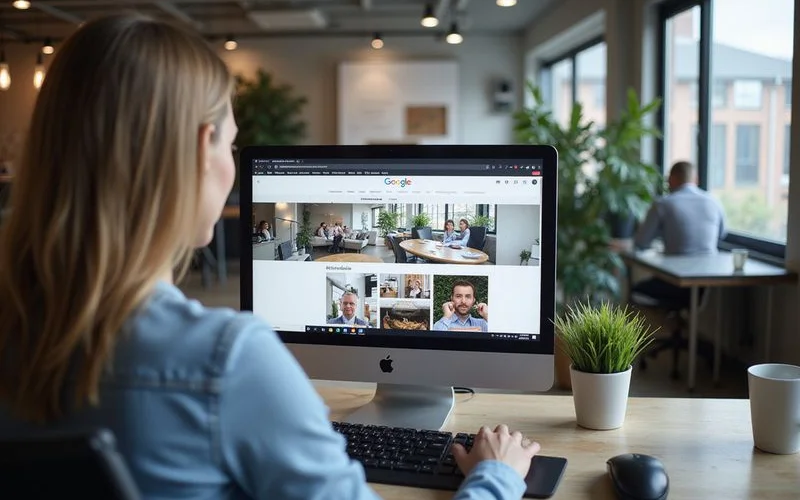
Businesses with photos receive 42% more requests for driving directions and 35% more click-throughs to their website. Upload high-quality photos of your storefront, interior, team, products, and services.
For Hawaii businesses specifically, consider adding photos that showcase your location within the islands. Images with recognizable Oahu landmarks or tropical elements can help establish local authenticity.
Quantity and Quality Guidelines
We recommend starting with at least 15 high-quality photos. Profiles with fewer than 15 images get significantly less engagement.
| Photo Type | What to Upload | Why It Matters |
|---|---|---|
| Exterior | Wide shots of your storefront including signage. | Helps customers find you when driving. |
| Interior | Atmosphere, seating, or reception areas. | Sets expectations for the experience. |
| Team | Photos of your staff serving customers. | Humanizes your brand and builds trust. |
| Identity | High-res logo and cover photo. | Reinforces brand recognition. |
Warning: Avoid stock photos at all costs. Google’s AI can detect stock imagery and will often suppress it. A real photo of your office is always better than a polished stock image of a “generic handshake.”
Step 4: Build a Review Generation Strategy
Reviews are one of the most important ranking factors for local SEO. Businesses with more high-quality reviews consistently outrank those with fewer reviews, even when other factors are similar.
Here is a practical approach to generating reviews:
- Ask at the point of satisfaction: Request a review immediately after a positive customer interaction.
- Make it easy: Create a direct review link and share it via email, text message, or QR code.
- Respond to every review: Thank customers for positive reviews and professionally address negative ones.
- Never buy reviews: Google penalizes businesses caught using fake reviews, and the consequences can be severe.
The “Keyword Relevance” Shift
Star ratings are no longer the only metric that matters. In 2026, Google scans the text of your reviews for keywords. If a customer writes, “Best poke bowl I’ve had in Kaka’ako,” that review does more for your SEO than a simple 5-star rating with no text. Encourage customers to mention the specific service or product they enjoyed.
For more detailed strategies on building your review presence, read our guide on online reputation management for Hawaii businesses.
Step 5: Post Regular Updates
Google Business Profile includes a Posts feature that lets you share updates, offers, events, and news directly on your profile. These posts appear in your listing and can influence both visibility and click-through rates.
Effective post types include:
- What’s New: Share company news, blog posts, or service updates
- Offers: Promote seasonal discounts or special deals
- Events: Advertise upcoming workshops, open houses, or community events
The “Offer” Post Advantage
Our data suggests that “Offer” posts (the ones with a yellow price tag icon) generate the highest click-through rate. Use these for limited-time Kamaʻāina deals or seasonal specials.
Important: Do not put your phone number or text on the image itself. Google’s AI often rejects images with too much text overlay as “spammy.” Keep the text in the description field.
Step 6: Leverage Q&A and Messaging
The Questions & Answers section on your GBP is often overlooked, but it provides an opportunity to proactively address common customer questions. Seed your Q&A section with frequently asked questions and provide thorough, helpful answers.
The New Messaging Integration (WhatsApp & SMS)
Google removed the internal chat tool in mid-2024. In its place, you can now link your WhatsApp Business account or SMS number directly to your profile.
How to set it up:
- Go to your Profile settings.
- Click on Contact.
- Select Chat and choose “SMS” or “WhatsApp.”
This is a massive upgrade for Hawaii businesses. It allows tourists to message you on the platform they already use (WhatsApp is huge for international visitors) or text you directly. Just remember: Google still expects you to respond within 24 hours to keep the “Message” button visible on your profile.
Step 7: Monitor Insights and Adjust
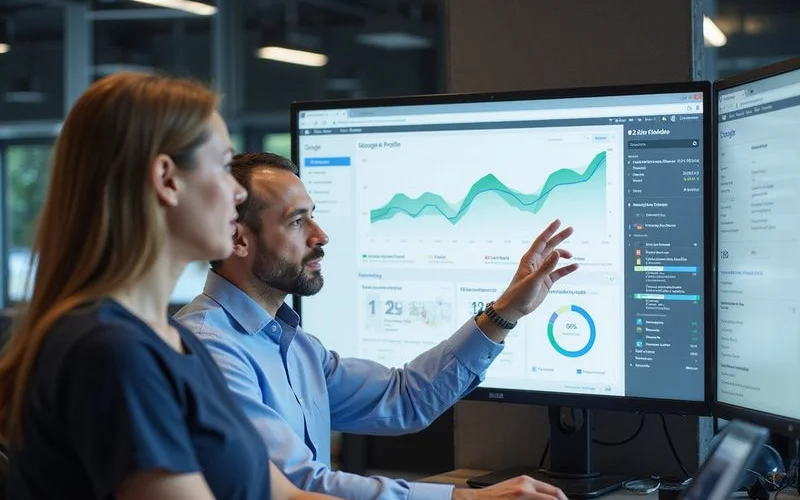
Google Business Profile Insights provides data on how customers find your listing, what actions they take, and what search queries they use. Review this data monthly and adjust your strategy accordingly.
Key metrics to track include:
- Search queries: What terms are people using to find your business?
- Customer actions: Are they calling, visiting your website, or requesting directions?
- Photo views: How do your photos compare to competitors in your category?
Platform Breakdown
The new “Performance” tab breaks down users by Platform and Device (e.g., Google Maps on Mobile vs. Google Search on Desktop). For most of our Hawaii clients, mobile usage is over 80%. If you see high mobile traffic, check your website on your phone immediately to ensure the mobile experience is seamless.
Common Mistakes to Avoid
Even well-intentioned businesses make mistakes with their GBP. Here are the most common pitfalls:
- Keyword stuffing the business name: This violates Google’s guidelines and can result in suspension.
- Inconsistent NAP data: Your name, address, and phone number must match everywhere online.
- Ignoring negative reviews: Unanswered negative reviews damage trust and rankings.
- Setting and forgetting: GBP requires ongoing maintenance, not a one-time setup.
Get Professional Help With Your Google Business Profile
Optimizing your Google Business Profile is an ongoing process that requires attention, strategy, and consistency. If you want expert help maximizing your local search visibility, Nekko Digital’s local SEO services can help your Hawaii business dominate the local 3-Pack.
Contact us today for a free consultation and find out how we can improve your local search presence across Honolulu and all of Oahu.
Related reading:
Ready to Improve Your Search Visibility?
Get a free SEO audit and discover how Nekko Digital can help your business rank higher.
Get Free SEO Audit